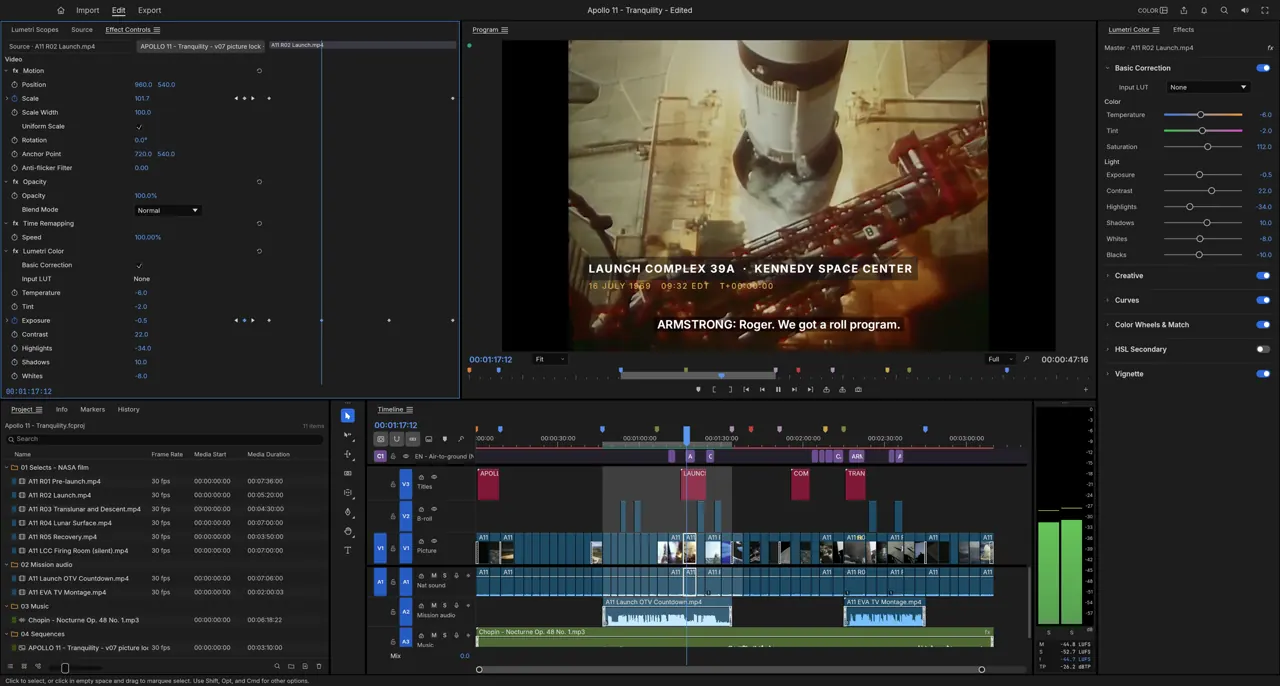
| Editorial workflow | FilmCraft provides a recognizable source-monitor, program-monitor, bins, tracks, markers, trimming, and sequence workflow. | Premiere Pro is a mature editor used across many professional pipelines, with deep refinements for collaborative and deadline-driven work. | Cut the same short sequence and compare trim speed, sync behavior, relinking, undo, and project recovery. |
|---|
| Formats and playback | The project implements its own media and interchange stack and documents common delivery and handoff formats. | Premiere Pro benefits from Adobe's long codec history, hardware partnerships, proxy workflows, and broad camera ecosystem. | Use representative camera originals; transcoded demo media can hide the problems that matter. |
|---|
| Color and audio | Color controls, scopes, effects, audio mixing, captions, and graphics are part of the integrated FilmCraft workspace. | Premiere Pro connects to a mature Adobe color, audio, graphics, and review ecosystem. | Check color management, loudness, channel mapping, subtitle timing, and exported files against your delivery specification. |
|---|
| Interchange | OTIO, EDL, AAF, and OMF aim to support editorial and audio-post handoffs while preserving FilmCraft details in metadata where possible. | Premiere Pro has established handoff conventions and is widely understood by post-production vendors. | Send a small turnover to the actual downstream tool before assuming the full project will transfer. |
|---|
| Automation and openness | The open codebase and command system support headless operations and agent-driven editing experiments. | Premiere Pro offers extensibility, integrations, templates, and a commercial support ecosystem. | Prefer the system your team can audit, review, and recover when an automated step fails. |
|---|