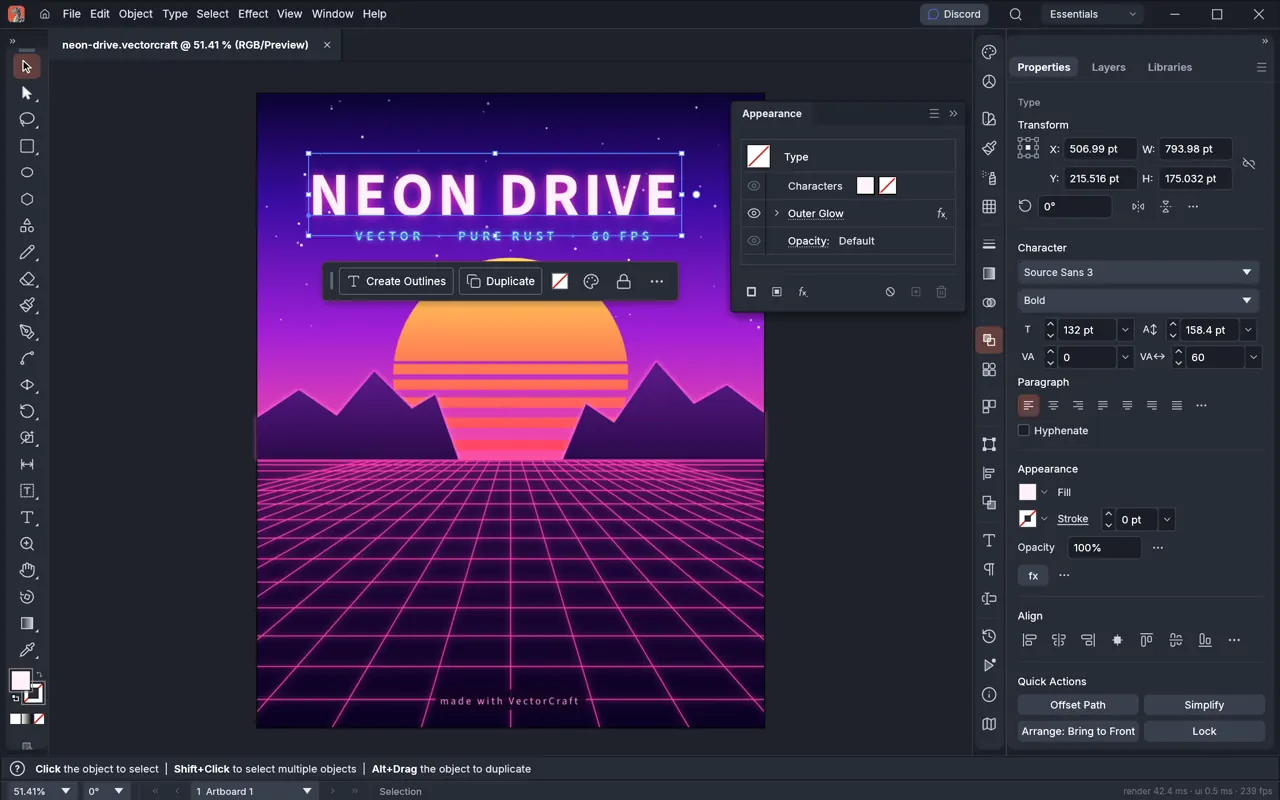
| Core drawing | Path editing, shapes, Pathfinder-style operations, brushes, gradients, appearances, and artboards cover a broad everyday vector workflow. | Illustrator is the established production reference with deeper edge-case behavior, a larger professional user base, and years of workflow refinement. | Rebuild one real asset and compare anchors, snapping, compound paths, clipping, and exported geometry. |
|---|
| File compatibility | VectorCraft documents several vector, CAD, PDF, raster, and Affinity-related import or export paths, with warnings for data it cannot fully preserve. | Illustrator owns the native AI workflow and is more predictable when collaborators, printers, or stock assets expect Illustrator-specific data. | Do not judge by opening alone. Edit, save, reopen, and inspect the delivered file in the recipient's application. |
|---|
| Typography | Text objects, styles, threading, OpenType behavior, and multilingual layout are present, but fonts and complex composition need project-level testing. | Illustrator has a mature text engine plus Adobe Fonts and Creative Cloud integration. | Use the exact fonts, scripts, effects, and line lengths required by the real job. |
|---|
| Automation | A command-line application, control channel, and MCP server make repeatable or agent-driven vector work a first-class project goal. | Illustrator has actions, scripts, plug-ins, APIs, and a large automation ecosystem built around commercial production. | Choose the automation surface that can be reviewed, reproduced, and supported by your team. |
|---|
| Cost and ownership | The code is open under permissive licenses, with no subscription required to inspect or adapt it. | Illustrator is proprietary subscription software bundled into Adobe's broader ecosystem and support model. | Include migration time, compatibility checks, training, and support—not only the software bill—in the decision. |
|---|